
Blog · April 2, 2026
Portable vs installer builds for uninstall tools
HiBit Uninstaller and similar utilities often ship as a ZIP/portable folder or as a setup package. Neither is “more secure” by default—each optimizes for different jobs. The main guide FAQ also touches portable vs installed choices.
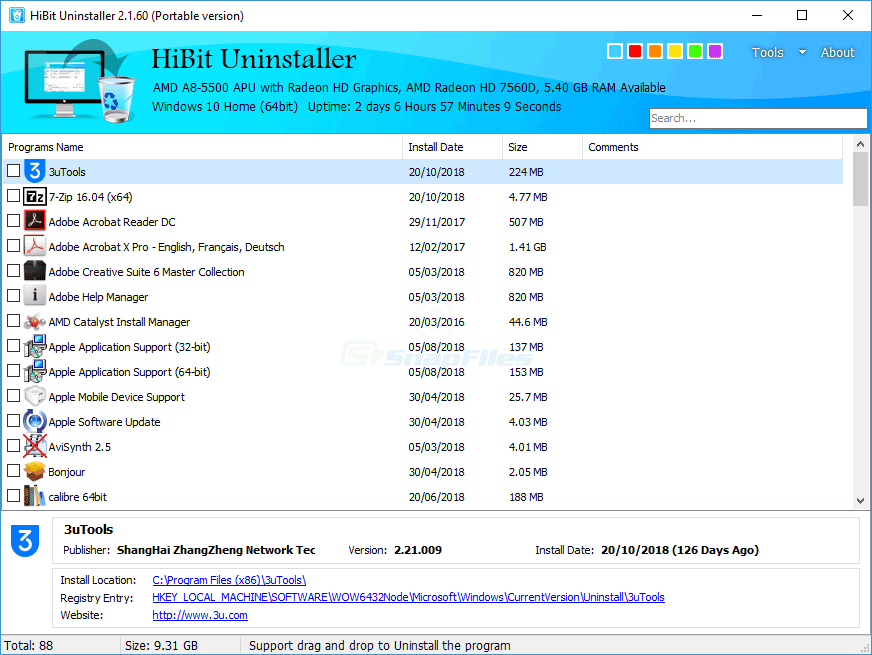
Portable builds
Pros: Drop onto a USB drive, run without leaving a Programs and Features entry, easy to version per folder (HiBit-2.x\). Cons: You manage updates manually; shell extensions or context-menu integrations may differ from the installed build depending on version and options.
Portable workflows shine when your policy forbids installing tools on customer machines but allows running signed binaries from removable media. Hash the ZIP on intake and again before each bench session.
Installer builds
Pros: Start menu shortcuts, optional integrations, and a clearer “one product” footprint for casual users. Cons: Adds another entry to maintain; corporate images may require approval for the installer.
Which should you pick?
- Bench technicians usually prefer portable folders with checksum-verified ZIPs per customer policy.
- Home users who want a desktop shortcut often prefer the installer.
- Either way, download from a trusted HTTPS page and verify hashes when the publisher publishes them. See download page.
Upgrades without surprises
When you replace a portable folder, export any custom settings if the tool stores them beside the EXE. Installed builds may migrate settings under AppData—read the release notes before major version jumps.