
Blog · April 2, 2026
UWP Store apps vs desktop (Win32) uninstall
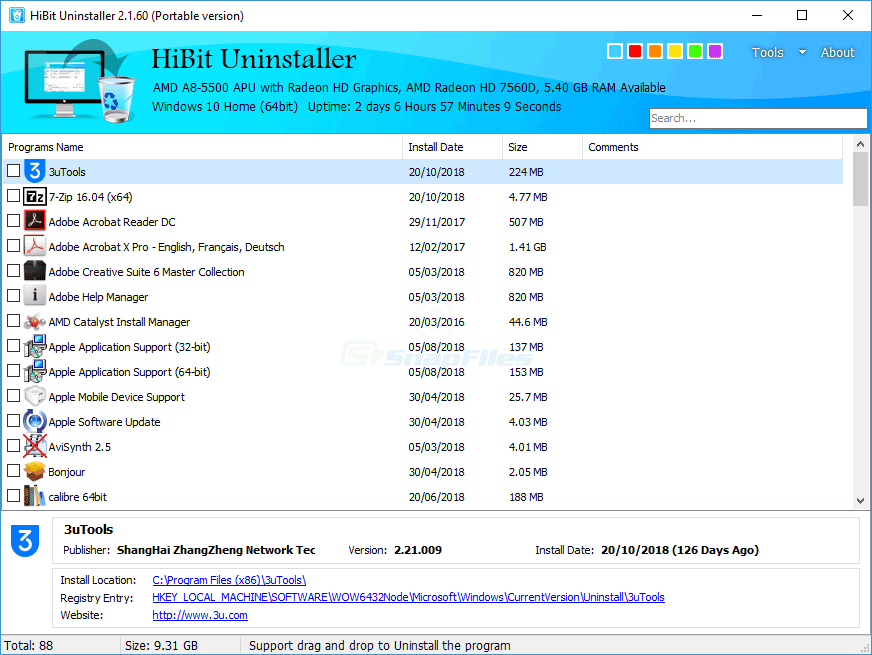
Windows manages Microsoft Store packages differently from classic desktop programs. Many uninstall utilities list both, but capabilities vary by version—always confirm labels in the build you run. The features section notes Store handling in many releases.
UWP / Store packages
Store apps live under a sandboxed deployment model with per-user and per-machine variants. Removal through Settings usually removes the package registration and user data according to Microsoft’s rules. Side-loaded enterprise packages may need PowerShell or MDM commands.
Dependencies can be framework packages shared across many apps—do not remove “Microsoft.*” frameworks because one game uninstalled unless you know exactly what consumes them.
Win32 desktop programs
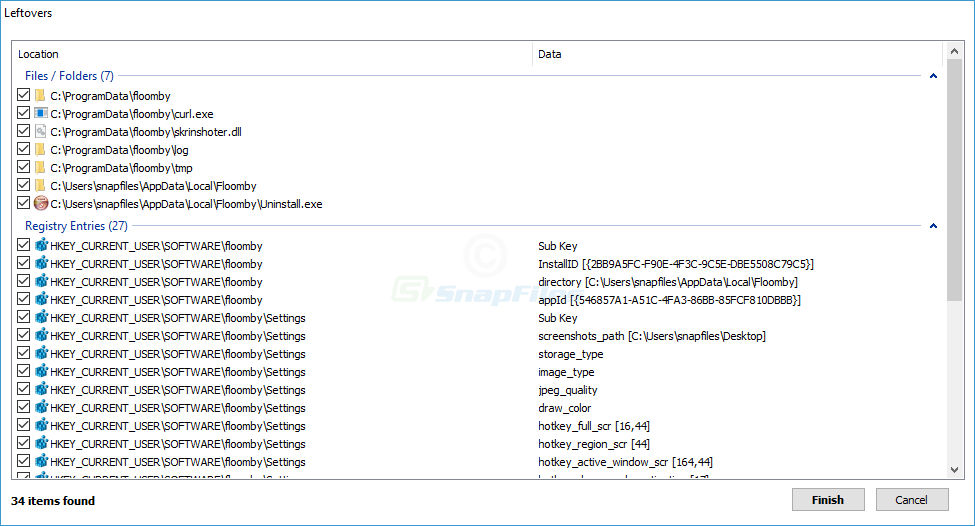
Traditional installers drop files under Program Files, write uninstall keys, and may register COM servers or shell extensions. That is where leftover scans and forced uninstall paths are most common.
Practical takeaway
Do not assume one workflow fits both: verify whether the stubborn app is Store-distributed or Win32 before choosing tools. If Settings can uninstall it cleanly, prefer that first; then use specialized cleanup for what remains.
Enterprise and education SKUs
Provisioning packages and shared device modes add policies that block uninstall UI for some Store apps. If the button is missing, the fix is policy—not a third-party hammer.